
Make space for the work that matters.
A focused workspace is not about adding more. It is about giving essential tools clear positions, reducing visual interruption and creating a desk that feels ready for sustained, considered work.
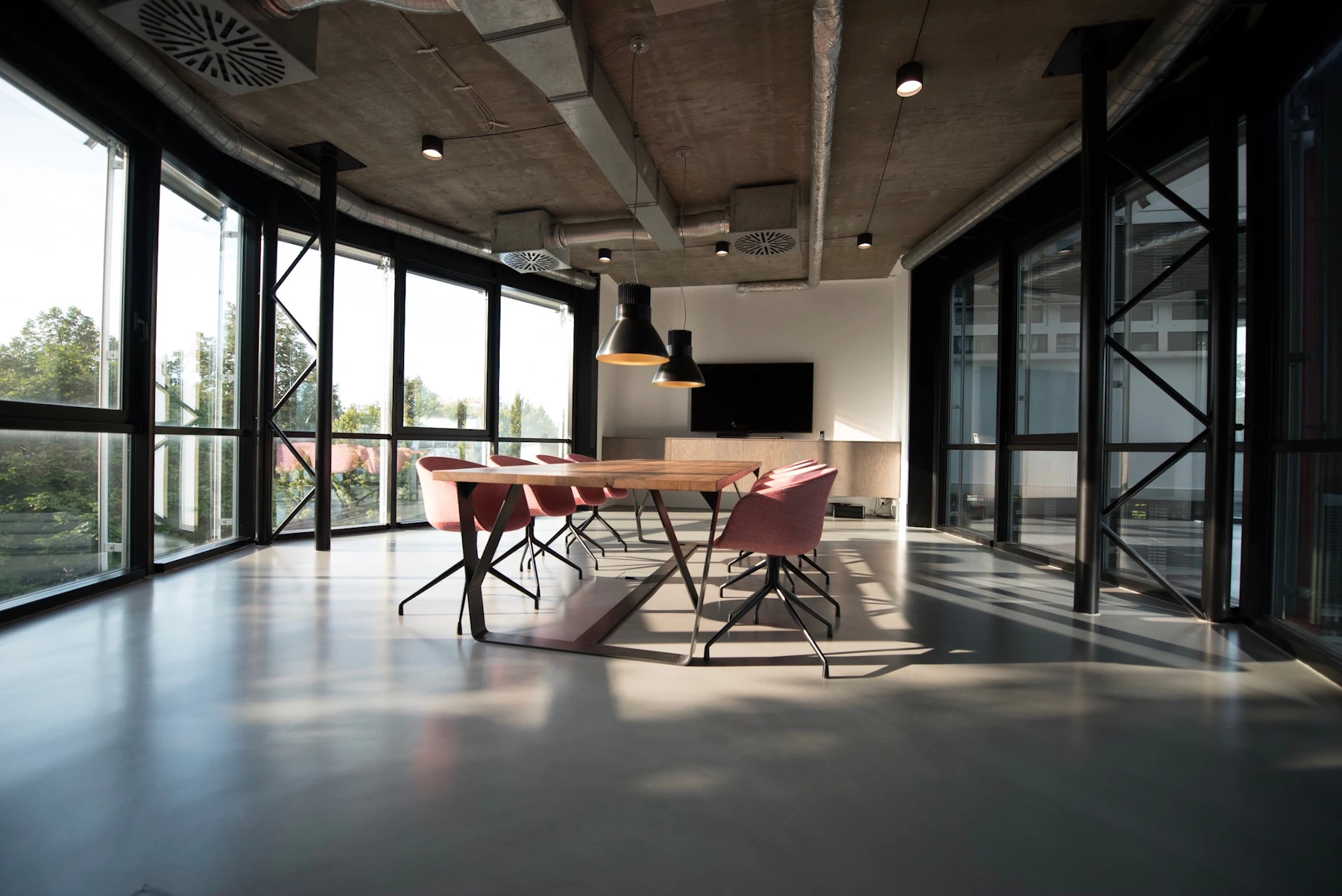
Focus begins with a workspace that asks less of your attention.
A calmer desk can make it easier to understand what belongs in the active working zone and what can move aside. The aim is not an empty surface, but a surface with a clear purpose.
Screen positioning, comfortable input tools, cable control, storage and lighting can work together as one system instead of competing for space around the task in front of you.
Four parts of a more focused desk.
Visual Priority
Keep the primary screen and current task visually dominant so the working area feels immediately understandable.
Clear Organization
Move smaller tools into defined storage so useful items remain available without filling the working surface.
Cable Control
Route essential cables away from the active work zone to keep the desk visually quieter and easier to reset.
Useful Lighting
Add light where the task needs it while keeping the overall desk arrangement restrained and visually consistent.

Reduce the visual noise around the task.
The working zone should make the next action feel clear. Keep the tools you use often close, move secondary items outward and preserve enough surface for notes, movement and changing tasks.
Organize by frequency, not by habit.
A desk becomes easier to use when objects are positioned according to how often they are needed. Active tools remain close while secondary tools stay available without dominating the surface.
Primary Zone
Screen, keyboard, mouse and the tools used continuously.
Support Zone
Notes, charging, small organizers and occasional accessories.
Storage Zone
Items that stay nearby without occupying active desk space.

Useful pieces for a calmer working surface.
Monitor Arms & Stands
Create a clearer relationship between the display, working surface and the task in front of you.
Browse ProductsDesk Organizers
Keep smaller tools close while giving active work more uninterrupted room across the desk.
Browse ProductsCable Management
Move cable routes away from the central work zone and keep the surface easier to use and reset.
Browse ProductsA focused setup should be easy to reset.
Start with the main task.
Clear enough surface to make current work visually dominant before adding notes, accessories or secondary devices around it.
Return tools to defined positions.
A small organizer, storage tray or consistent charging location can make the desk faster to restore after a busy session.
Keep cables outside the active zone.
Route cables around the workstation rather than through the center of it, leaving more useful space for everyday movement.
Leave room for change.
Focused work can shift between writing, calls, screen-based tasks and planning. Keep enough flexibility in the setup for the desk to adapt with the work.

Give the active task visual priority.
Keep the main screen, keyboard, mouse and immediate work together as one clear working zone rather than spreading attention across the entire desk.

Keep the setup useful, not crowded.
A considered workspace gives every object a reason to remain visible. Secondary tools can stay nearby without competing with the work happening now.
Build a desk that helps you stay with the task.
Explore WORKELLE tools for screen positioning, desk organization, cable control, comfortable input and a more considered everyday workspace.
Focused Work Setup
Make space for the work that matters.
A focused workspace is not about adding more. It is about giving essential tools clear positions, reducing visual interruption and creating a desk that feels ready for sustained, considered work.
Focus begins with a workspace that asks less of your attention.
A calmer desk can make it easier to understand what belongs in the active working zone and what can move aside. The aim is not an empty surface, but a surface with a clear purpose.
Screen positioning, comfortable input tools, cable control, storage and lighting can work together as one system instead of competing for space around the task in front of you.
Four parts of a more focused desk.
Visual Priority
Keep the primary screen and current task visually dominant so the working area feels immediately understandable.
Clear Organization
Move smaller tools into defined storage so useful items remain available without filling the working surface.
Cable Control
Route essential cables away from the active work zone to keep the desk visually quieter and easier to reset.
Useful Lighting
Add light where the task needs it while keeping the overall desk arrangement restrained and visually consistent.
Reduce the visual noise around the task.
The working zone should make the next action feel clear. Keep the tools you use often close, move secondary items outward and preserve enough surface for notes, movement and changing tasks.
Organize by frequency, not by habit.
A desk becomes easier to use when objects are positioned according to how often they are needed. Active tools remain close while secondary tools stay available without dominating the surface.
Primary Zone
Screen, keyboard, mouse and the tools used continuously.
Support Zone
Notes, charging, small organizers and occasional accessories.
Storage Zone
Items that stay nearby without occupying active desk space.
Useful pieces for a calmer working surface.
Monitor Arms & Stands
Create a clearer relationship between the display, working surface and the task in front of you.
Browse ProductsDesk Organizers
Keep smaller tools close while giving active work more uninterrupted room across the desk.
Browse ProductsCable Management
Move cable routes away from the central work zone and keep the surface easier to use and reset.
Browse ProductsA focused setup should be easy to reset.
Start with the main task.
Clear enough surface to make current work visually dominant before adding notes, accessories or secondary devices around it.
Return tools to defined positions.
A small organizer, storage tray or consistent charging location can make the desk faster to restore after a busy session.
Keep cables outside the active zone.
Route cables around the workstation rather than through the center of it, leaving more useful space for everyday movement.
Leave room for change.
Focused work can shift between writing, calls, screen-based tasks and planning. Keep enough flexibility in the setup for the desk to adapt with the work.
Give the active task visual priority.
Keep the main screen, keyboard, mouse and immediate work together as one clear working zone rather than spreading attention across the entire desk.
Keep the setup useful, not crowded.
A considered workspace gives every object a reason to remain visible. Secondary tools can stay nearby without competing with the work happening now.
Build a desk that helps you stay with the task.
Explore WORKELLE tools for screen positioning, desk organization, cable control, comfortable input and a more considered everyday workspace.